Analytics

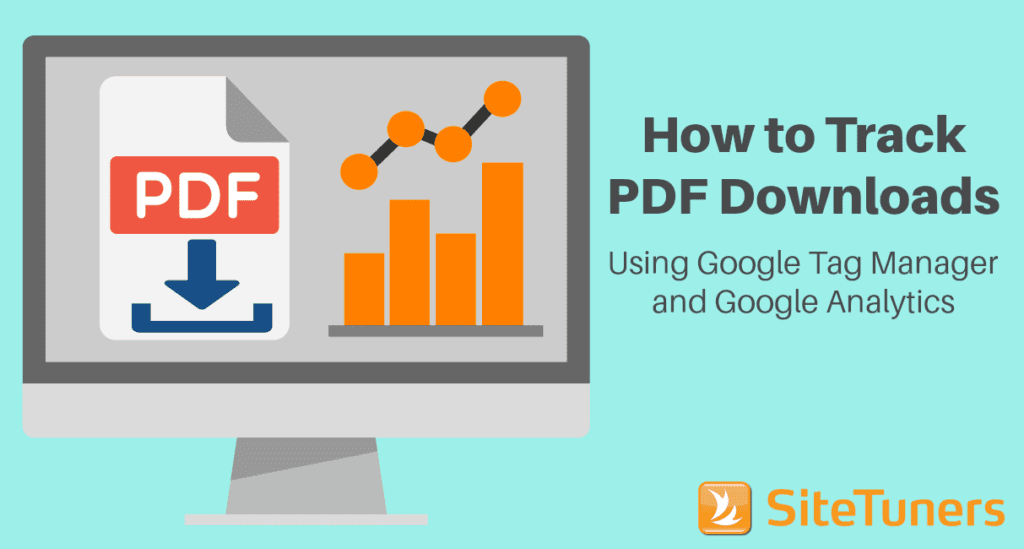
How to Track PDF Downloads Using Google Tag Manager and Google Analytics

How to Track PDF Downloads Using Google Tag Manager and Google Analytics

If you have white papers, case studies, and other downloadable content, understanding how much traction you get from those collaterals is one of the key things you need to do as an online marketer. With some configuration, you can track PDF downloads using Google Tag Manager and Google Analytics. This will allow you to get critical download data without manually adding scripts to each of your PDF links.

How to Track PDF Downloads Using Google Tag Manager and Google Analytics Read More »

collage of a computer screen with analytics data on surrounded by other data reports

Essential Google Analytics Features: The Setup and Reports Online Marketers Need

If you’re new to web analytics, finding your way around can be quite intimidating. Even if you’re using a standard tool like Google Analytics, there’s so much you CAN do that it can be difficult to determine what you SHOULD do. Should you report on the pages with the most visits? What about the areas where a disproportionate number of people leave? Should bounce rate be your main consideration to find what’s broken, or should you focus on finding conversion points where conversions are not really happening? There’s a lot to think about, but you can make it easier on yourself by thinking through the initial setup and prioritizing a few critical reports first.

Essential Google Analytics Features: The Setup and Reports Online Marketers Need Read More »

Scroll to Top
Scroll to Top