Website Testing: A Practical Guide to Finding Conversion Barriers
A website can technically work and still lose conversions. Pages may load, forms may submit, and checkout may function, while visitors still hesitate, get confused, or leave before taking action.
That is where website testing becomes useful. It helps teams see where the experience creates friction, not just where something is broken. By combining usability evaluation, user testing, performance checks, and focused experiments, teams can find the barriers that keep visitors from becoming customers.
Many drop-offs happen because small problems add up. A vague headline, a hard-to-find button, an unclear form error, or missing trust information can slow a visitor down at the exact moment they are deciding what to do next.
Website testing gives your team evidence instead of opinions. It helps you:
- Spot friction before it costs you leads or sales.
- Find specific conversion barriers across mobile and desktop experiences.
- Make design and messaging decisions based on customer behavior.
- Improve high-intent pages, forms, checkout flows, and confirmation steps.
Testing is not always the right first move. If traffic is too low to support a valid split test, or if an obvious technical issue is already hurting the experience, fix that first. But when applied at the right time, a clear testing process helps teams focus on the problems most likely to affect conversion.
Usability vs. User Testing: Uncovering Customer Pain Points
Teams often use “usability testing” and “user testing” as if they mean the same thing. They are related, but they answer different questions.
- User Testing: Looks at customer perception, intent, and expectations. Do visitors understand the offer? Does the page answer their main questions? Would they choose this solution over another option?
- Usability Testing: Looks at how easily people can complete a task. Can a visitor find pricing? Can they complete the lead form? Are the main calls to action easy to see and use?
Both methods are useful. Analytics can show where people leave. Usability sessions and user feedback can help explain why they leave.
Seeing a real person struggle with a form field, miss an important button, or pause over unclear checkout language often gives teams a clearer path forward than another internal debate.
Establishing a Structured Website Testing Framework
Unstructured testing creates noise. To make better decisions, each test should connect to a real business question and a specific customer behavior.
A useful testing workflow has five phases:
- Discovery and Data Collection: Review analytics, heatmaps, session recordings, and user feedback to find patterns.
- Hypothesis Formulation: Define the problem, the proposed change, and what you expect to improve.
- Prioritization: Rank test ideas based on likely impact, confidence in the evidence, and ease of implementation.
- Execution and Validation: Run the test or evaluation with the right tracking in place.
- Analysis and Iteration: Compare results against the baseline, document what you learned, and decide what to test or fix next.
A structured testing action plan keeps the team focused. The goal is not to find every possible issue. It is to find the issues that matter most to customers and revenue.
| Testing Method | Primary Focus | Best Used For | Typical Output |
|---|---|---|---|
| Qualitative Usability Evaluation | Task completion, interface friction, cognitive load | Finding why users hesitate, spotting navigation problems, reviewing pre-launch designs | Session recordings, user comments, design blockers |
| Quantitative Split Testing | Comparative performance, conversion rates, revenue impact | Validating page changes, testing headlines, improving checkout flows | Conversion lift, revenue per visitor, transaction data |
What Website Testing Reveals About the Customer Experience
Web analytics can show that visitors are dropping off. They usually cannot explain the full reason. Website testing helps uncover the friction, confusion, and unanswered questions that may cause people to leave before they convert.
When you watch how real prospects interact with your site across devices, you often find problems internal teams no longer notice.
Finding Information Gaps and Decision Friction
Visitors arrive with specific questions and limited patience. Testing shows whether the page helps them make a decision or makes that decision harder.
- Visual Hierarchy Disconnects: Visitors may focus on secondary banners, navigation, or clutter instead of the main value proposition and primary calls to action.
- Clarity and Copy Misalignment: Users can stall when the headline does not match what they expected after clicking an ad, email, or search result.
- Missing Decision Information: Testing can show where people hesitate because pricing, guarantees, delivery details, or next steps are hard to find.
Fixing these issues can make it easier for visitors to understand their options and decide what to do next.
Uncovering Mobile and Device-Specific Friction
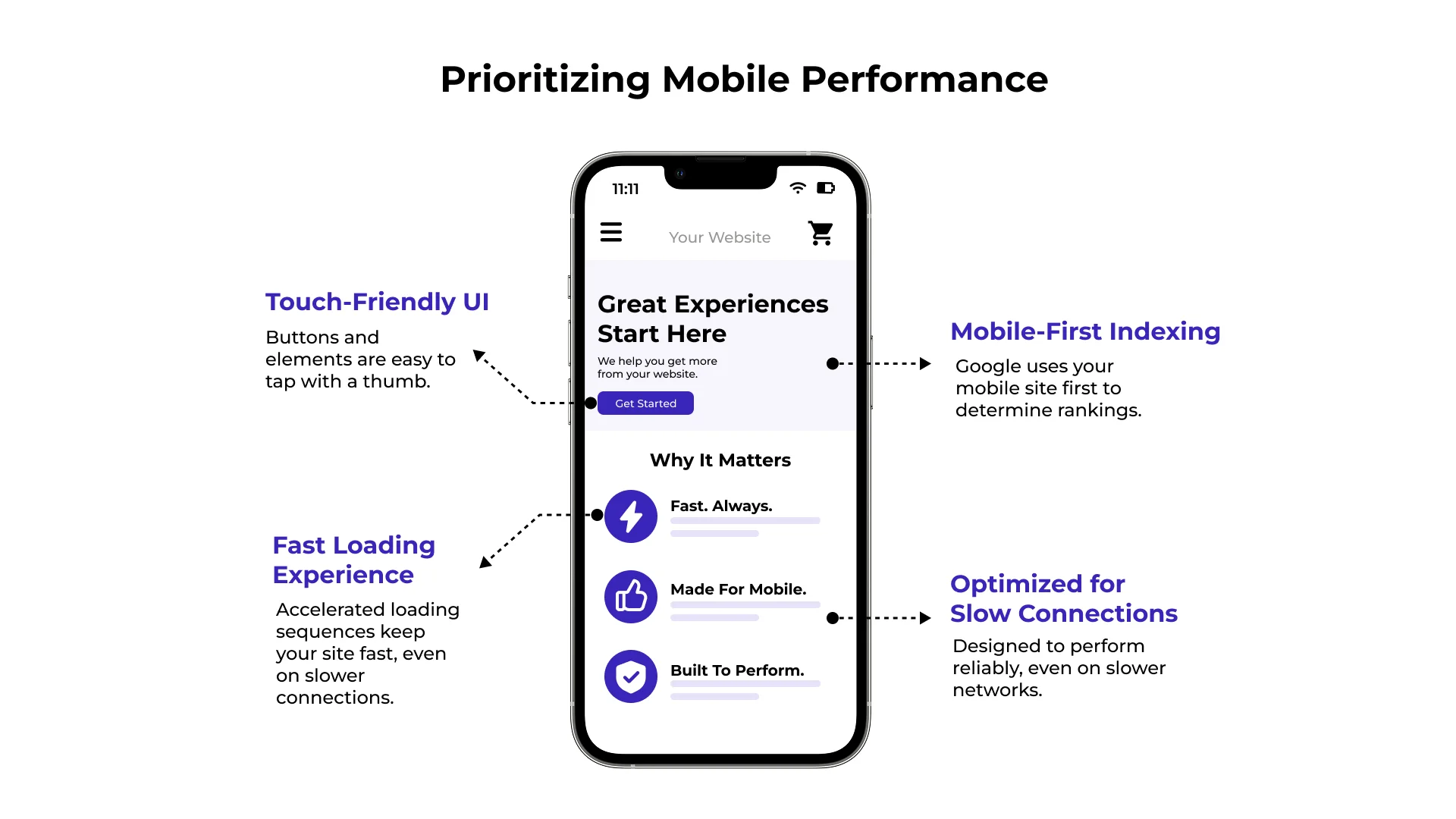
A page that feels easy on desktop may create problems on a phone. Testing mobile behavior can reveal issues that are easy to miss during internal reviews.
- Thumb-Zone and Tap Target Problems: Important buttons may be hard to tap or placed where users do not naturally reach.
- Form Field Frustration: Mobile visitors may struggle with poorly formatted inputs, too many required fields, or keyboards that do not match the field type.
- Viewport Rendering Issues: Responsive layouts can hide trust signals, push form fields too far down the page, or break navigation menus on certain devices.
These issues may look small in isolation. In a real customer journey, they can be enough to stop a visitor from completing the next step.
Core Methods for Evaluating User Experience and Performance
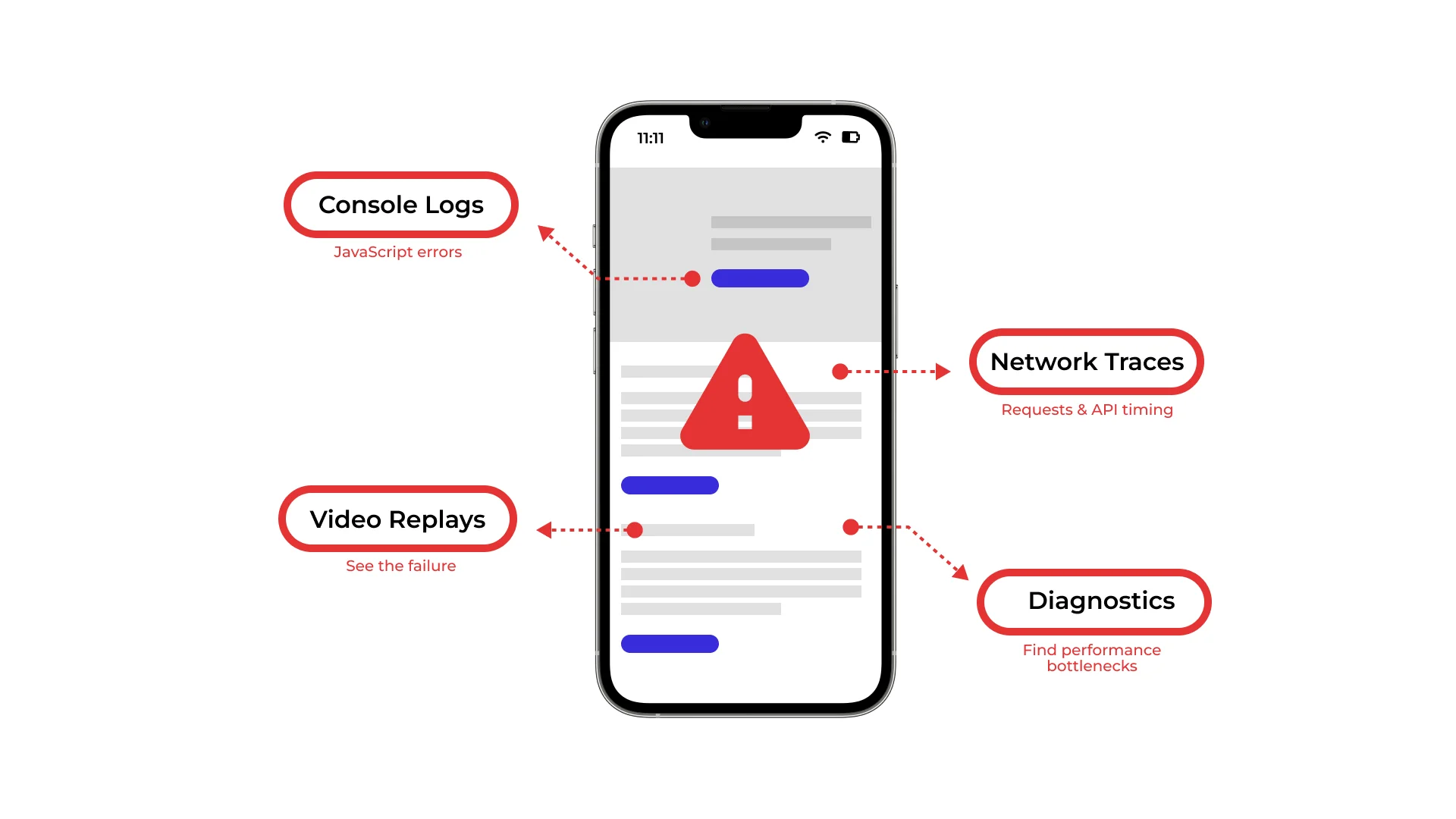
A strong testing program uses more than one method. No single report or tool gives the whole answer. The best insights often come from comparing what users do, what they say, and what the data shows.
For teams working on conversion, the question is simple: what is getting in the way, and how do we know?
Validating Conversion Funnels and Checkout Journeys
Checkout flows and lead generation forms are high-risk areas. This is where intent turns into a sale, demo request, quote request, or other valuable action.
Testing these journeys should look at:
- Form Field Efficiency: Remove fields that are not needed. Every extra question can add effort.
- Error Handling and Validation: Make error messages clear, helpful, and visible when something goes wrong.
- Trust and Security Signals: Show payment icons, guarantee language, privacy notes, or reassurance near moments of hesitation.
- Mobile Interaction Design: Make sure inputs open the right mobile keyboards and buttons are easy to tap.
Small improvements in these areas can have a direct effect on revenue because they happen close to conversion.
Iterative Optimization and Continuous UX Refinement
Website testing is not a one-time project. Customer expectations change. Campaigns change. Competitors change. Your site also changes as teams add pages, forms, scripts, offers, and design updates.
A practical testing rhythm may include:
- Reviewing session replays and scroll maps to see where attention drops.
- Collecting customer feedback at key exit points.
- Running experiments on high-impact pages.
- Checking page speed, mobile performance, and technical health.
The point is not to test for the sake of testing. The point is to keep learning where customers struggle and which fixes are worth prioritizing.
Frequently Asked Questions About Website Testing
What is website testing?
Website testing is the process of checking how well a website works for real users and business goals. It can include usability, functionality, performance, accessibility, device compatibility, and conversion testing. For CRO teams, the main purpose is to find the friction that prevents visitors from taking meaningful action.
What is the difference between user testing and usability testing?
User testing looks at how people understand and respond to the overall experience, offer, and value proposition. Usability testing looks at whether people can complete specific tasks, such as finding information, using navigation, filling out a form, or completing checkout.
What should you test on a website?
Start with the parts of the journey that matter most to the business and the customer. That often includes landing pages, product or service pages, lead forms, checkout flows, pricing pages, navigation, mobile layouts, page speed, error messages, and trust signals.
When should a business use website testing instead of guessing what to change?
Use website testing when the team has a clear question, enough traffic or user feedback to learn from, and a page or journey that affects conversion. Testing is especially useful when analytics show a problem but do not explain why it is happening.
How do website testing findings improve conversion optimization?
Testing turns vague opinions into evidence. It helps teams identify where users get stuck, prioritize the most important problems, and validate whether a change actually improves behavior. That makes conversion optimization more disciplined and less dependent on personal preference.
Conclusion
Maximizing digital revenue requires seeing your website through the eyes of your customers. By identifying hidden conversion barriers, simplifying complex workflows, and validating design updates through structured testing, you turn everyday traffic into reliable business growth.
Since 2002, SiteTuners has helped over 2,100 organizations eliminate user friction and unlock measurable revenue gains. If you are ready to identify the conversion barriers holding your site back and implement evidence-based improvements, explore our conversion-focused website testing services today.